
Why AI-Generated Artwork Doesn’t Work for Signs or Print
Apr 15, 2026 by Mallory Lynn
Item 1 of 1
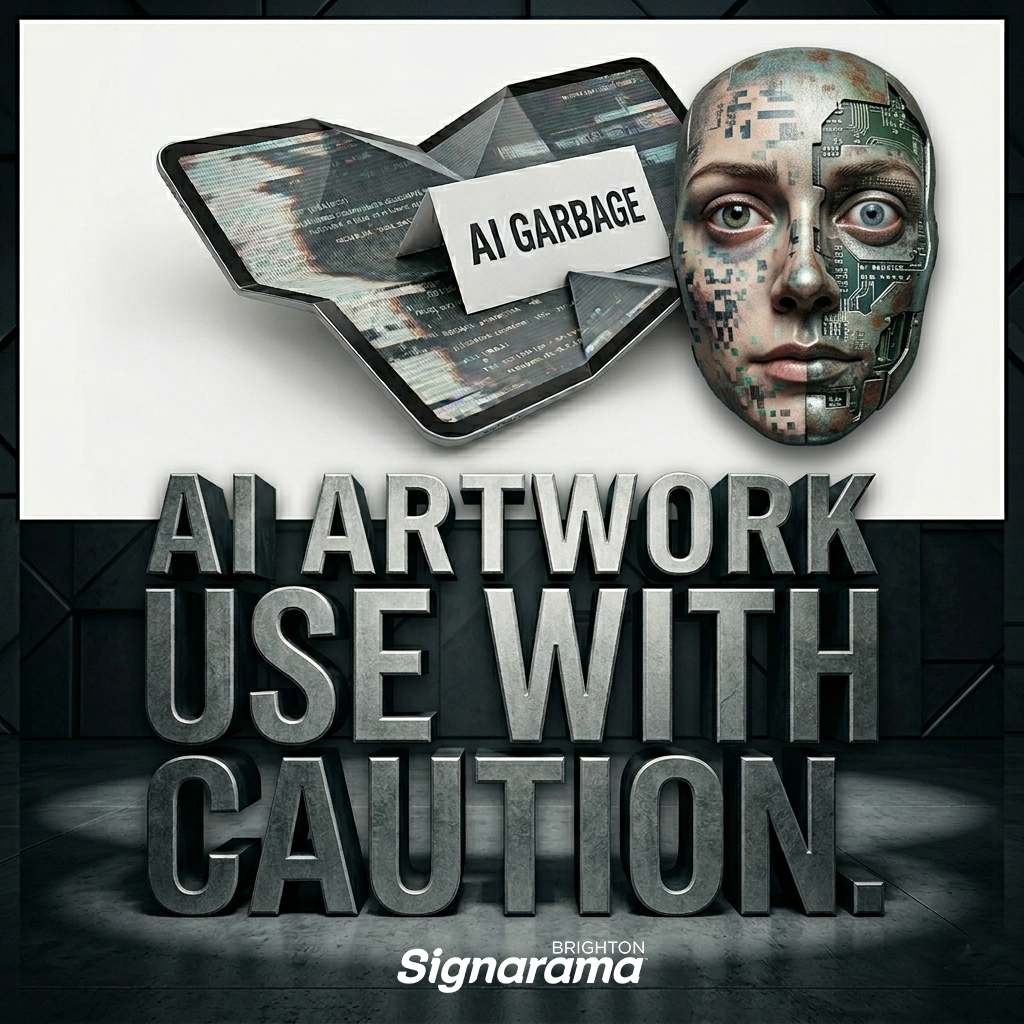
Artificial intelligence tools like ChatGPT and other AI image generators have made it easier than ever to create graphics in seconds. With just a few prompts, businesses can generate logos, illustrations, and creative concepts.
But when it comes to professional signage, large-format printing, and fabrication, AI-generated artwork often creates more challenges behind the scenes.
At Signarama Brighton, we love seeing the creativity AI can inspire—and we even use AI to assist with brainstorming and marketing. However, when it comes to production-ready artwork for signs, AI files often require significant (an expensive!) rework before they can actually be printed or fabricated.
Here’s why.
AI Artwork Is Low Resolution
Most AI-generated images are typically optimized for digital use rather than large-scale print applications. These files are often exported at approximately 1000 × 1000 pixels, which equates to roughly 14 × 14 inches at standard print resolution. When upscaled to a 4 ft × 4 ft banner, the image will experience significant loss of quality, resulting in noticeable pixelation and overall image degradation.
Signs are often produced at sizes ranging from a few feet wide to entire building facades, which requires extremely high resolution or scalable artwork.
When AI images are enlarged, they often become:
-Pixelated
-Blurry
-Distorted
Professional sign graphics need to be created either as high-resolution files or vector artwork that can scale infinitely without losing quality.
AI Artwork Is Rarely Created as Vector Files
Vector artwork is the foundation of most sign production.
Vector files allow graphics to be:
-Scaled to any size
-Cut from vinyl
-Routed or CNC cut
-Used for dimensional lettering
-Laser cut or fabricated
AI-generated artwork comes as flattened PNG or JPG files, which means it cannot be used directly for fabrication.
Instead, the artwork must often be recreated in vector format before production can even begin, which brings us to what you do when you have an Ai generated image you want to use.
Converting AI Artwork to Vector Can Be Extremely Labor Intensive
One of the biggest misconceptions about AI artwork is that it can simply be “converted to vector” with a quick click of a button.
In reality, that rarely works well.
AI-generated images often include:
-Thousands of irregular shapes
-Text that isn’t actually a real font
-Rough edges or inconsistent lines
-Blended textures and gradients
-Distorted or warped details
Automatic vector tracing tools usually produce messy, unusable results that still require extensive cleanup.
To make the artwork production-ready, a designer frequently has to:
-Manually redraw shapes
-Rebuild typography
-Simplify complex elements
-Correct spacing and alignment
-Adjust line weights for fabrication
In many cases, this process means rebuilding the artwork almost entirely from scratch, which can take significant design time.
Fabrication Details Are Missing
Sign design isn’t just about appearance—it also needs to account for how the sign will actually be built.
AI tools don’t understand important fabrication considerations like:
-Minimum stroke thickness for vinyl cutting
-Readability at distance
-Mounting and spacing requirements
-Structural support for dimensional signs
-ADA compliance standards
A design that looks great in an AI-generated image may be impossible or impractical to fabricate without redesigning key elements.
Colors Are Not Production Ready
AI-generated graphics use RGB color space, which is designed for screens and digital use.
Sign production usually requires:
-CMYK colors for printing
-Pantone color matching
-Specific vinyl color selections
Without proper color setup, the final printed sign can look very different from what appears on screen.
AI Is Great for Inspiration—But Not Production
AI tools can be extremely helpful for:
-Brainstorming ideas
-Exploring design styles
-Generating concept visuals
-Creating marketing graphics
But turning those concepts into real-world signage requires production expertise.
That’s where experienced sign professionals make the difference.
Where Sign Professionals Come In
A professional sign designer ensures that artwork is:
-Properly scaled for large-format printing
-Built in vector format
-Color-correct for production
-Fabrication-friendly
-Code compliant when required
This step ensures that the final signs not only look great, but can also be produced efficiently and installed successfully.
Closing Thoughts
AI design tools are evolving quickly and offer exciting creative possibilities. But signage isn’t just a graphic—it’s a physical product that must be engineered, fabricated, and installed. That’s why professional design experts still play an important role in bringing ideas to life.
If you have artwork generated by AI or another source, our team is always happy to review the file and help determine the best path to production.
Contact a sign expert today to get started on making your vision come to life. 303-914-9700

Signarama Brighton, CO
1289 S 4th Ave Ste 200
Brighton Colorado 80601
Sales by Appointment Only. Pick-up/Deliveries Monday-Friday 8:30am-5pm.
Opening Hours:
contact
Signarama Brighton, CO
CLIENTS WE HAVE WORKED WITH: